
IBM Watson Discovery:
Designing IBM’s AI Search Tool From Zero to One
- 0→1launched Dec 2016
- 3enhancements shipped
- ESPN · H&R Block · Salesforceamong adopters
Disclaimer
The following case study is personal and does not necessarily represent IBM’s positions, strategies or opinions. I have omitted and obfuscated confidential information.
Summary
Overview
Watson Discovery takes messy data like documents and web pages, structures it, and uses AI to find what’s inside. It launched publicly in late 2016.
The problem
Tools for building with AI tend to be either too complex for most people or so simplified they lose their power. We needed an interface that kept the power and made it usable.
What I did
As lead designer from launch onward, I set up a continuous design loop with two other designers. Then I led the design of three enhancements that fixed post-launch usability issues: Insight Cards, Schema Explorer and Knowledge Graph.
Impact
Discovery reached general release and was adopted by enterprises including ESPN, H&R Block and Salesforce.
Who I brought togetherSquads of offering managers, developers, QA, researchers, designers and writers, senior Watson design leaders, and a research team in another city, all working from the same user needs.
The Challenge
Intelligent systems are complex, so the tools for building them often are too.
Our goal was a tool developers of any background could use to build their own intelligent apps.
The Loop
Squads & workshops
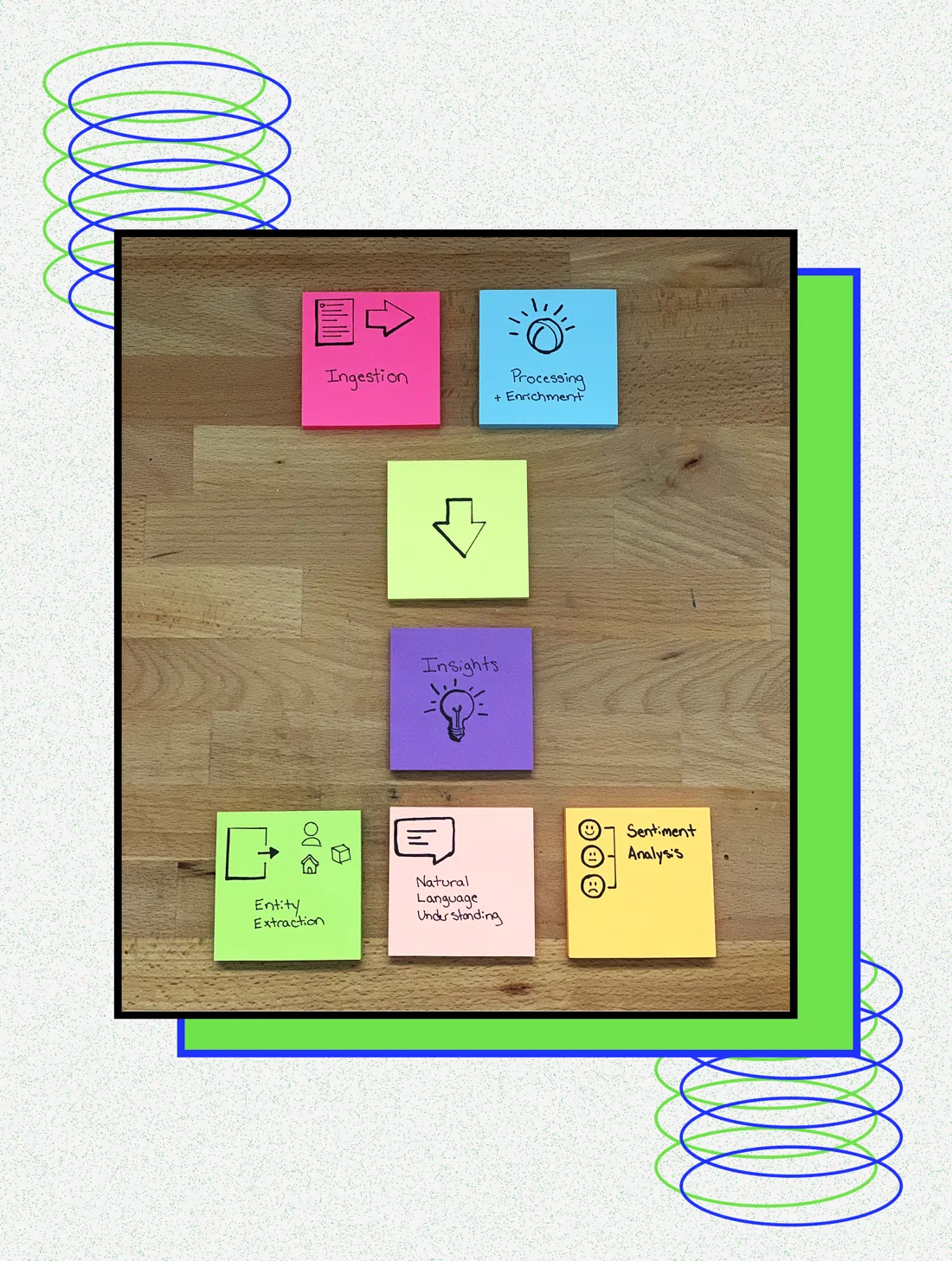
Several squads were combining many microservices into one tool. Two other designers and I ran workshops so everyone could learn the technology and focus on user needs.
Rapid prototyping
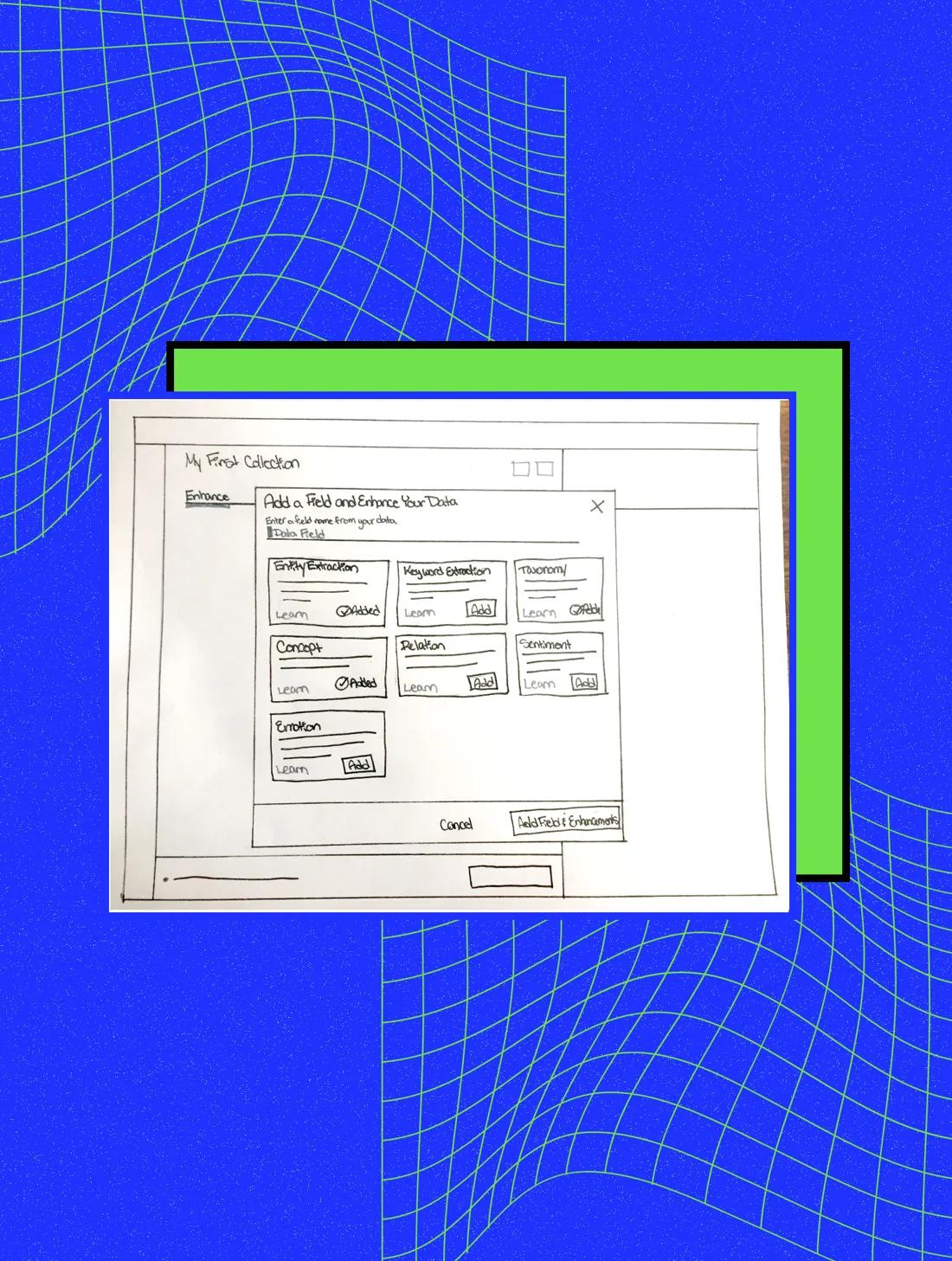
Sketches became wireframes, then clickable prototypes.
Usability testing
Our researcher tested with real users every few weeks, and the whole team was invited to watch.
Together these became a continuous cycle of observe, reflect and make, based on IBM Design Thinking. It carried us to public release on December 15, 2016: users could upload data, enrich it with AI-powered APIs, normalize it to JSON and query it from their own apps.
Enhancements
Insight Cards
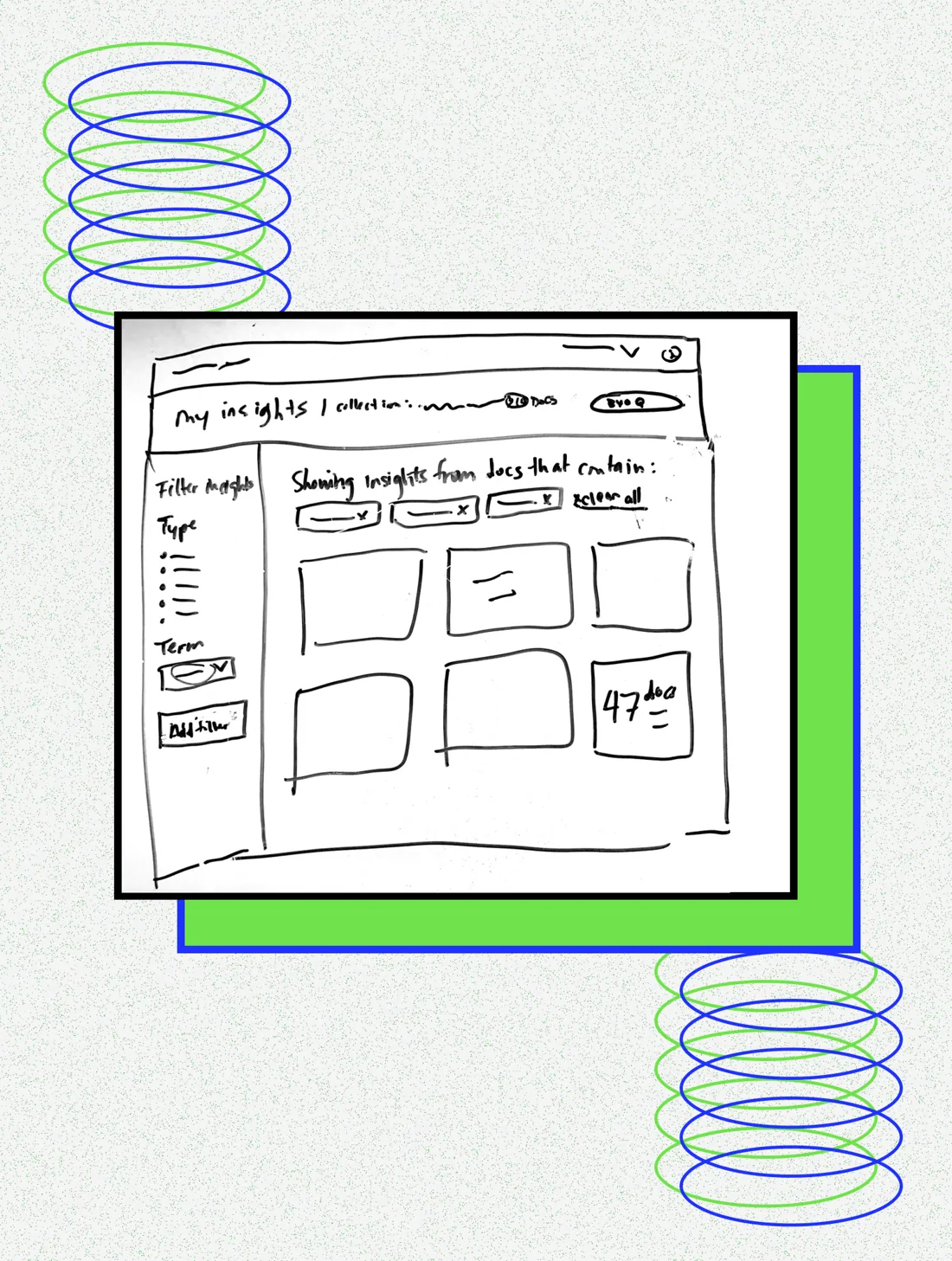
After launch, users didn’t understand what the APIs did to their data. Insight Cards show key entities, concepts, keywords and sentiment as data is processed, and drew some of the strongest user feedback.
Schema Explorer
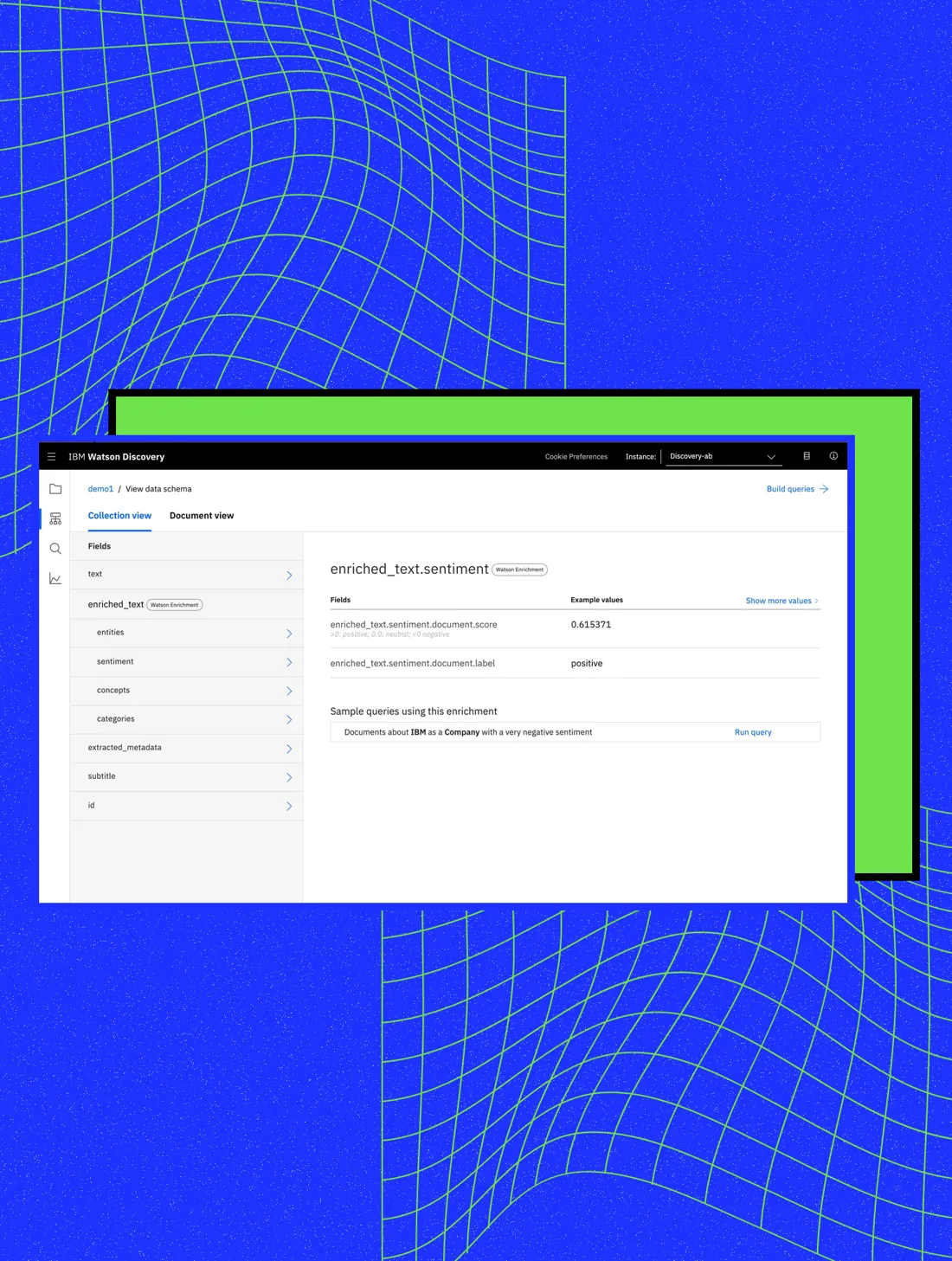
People couldn’t tell what their data looked like after processing, so querying was hard. Schema Explorer, born in a workshop with senior Watson design leaders, shows the structured fields and lets users try sample queries.
Knowledge Graph
Knowledge Graph links information across documents. It came from a research team in another city, so I ran remote workshops to agree on a user story and plan the integration.
The key decision
Hide the complexity behind a simpler tool, or show what the APIs do to your data?
The options
We could hide the complexity behind a simpler tool, or keep the full power and help people understand what it was doing.
What we chose and why
Explain it. Insight Cards and Schema Explorer show what the APIs do to your data without taking any capability away.
The trade-off
More concepts for new users to learn, which is why we showed insights in real time as data was processed.
Impact
Watson Discovery went from a brand-new idea to a product powering apps at companies like ESPN, H&R Block and Salesforce.
major enhancements shipped after launch
In the Wild
Learn more about Watson Discovery ↗ · Public coverage of this work.